

Amazon has just unveiled a major free update to your Fire TV Stick — overhauling its companion app on iOS and Android with a slew of new features.
You’ll be treated to a slick new design that promises speedier performance, helpful new navigation shortcuts, and more.
Didn’t know there was a Fire TV app for your smartphone? In the App Store listing, Amazon describes the Fire TV app as your “entertainment sidekick,” letting you browse titles and see personalised recommendations from across your streaming services based on viewing history.
You can also search for new movies, TV shows, sports fixtures, and more across all your services – building and fine-tuning your watchlist in the moment. Everything will be synced to your Fire TV-powered telly or Fire TV Stick at home, so it’s ready to watch when you walk through the door.
However, arguably the best feature is the ability to transform your smartphone into a back-up remote control for when you (inevitably) lose the real remote down the back of the sofa. That’s clearly what most Fire TV viewers were doing because, when it announced this software refresh, a spokesperson for Amazon said: “Millions of customers use our Fire TV mobile app as a backup remote, but we knew it could do more.”
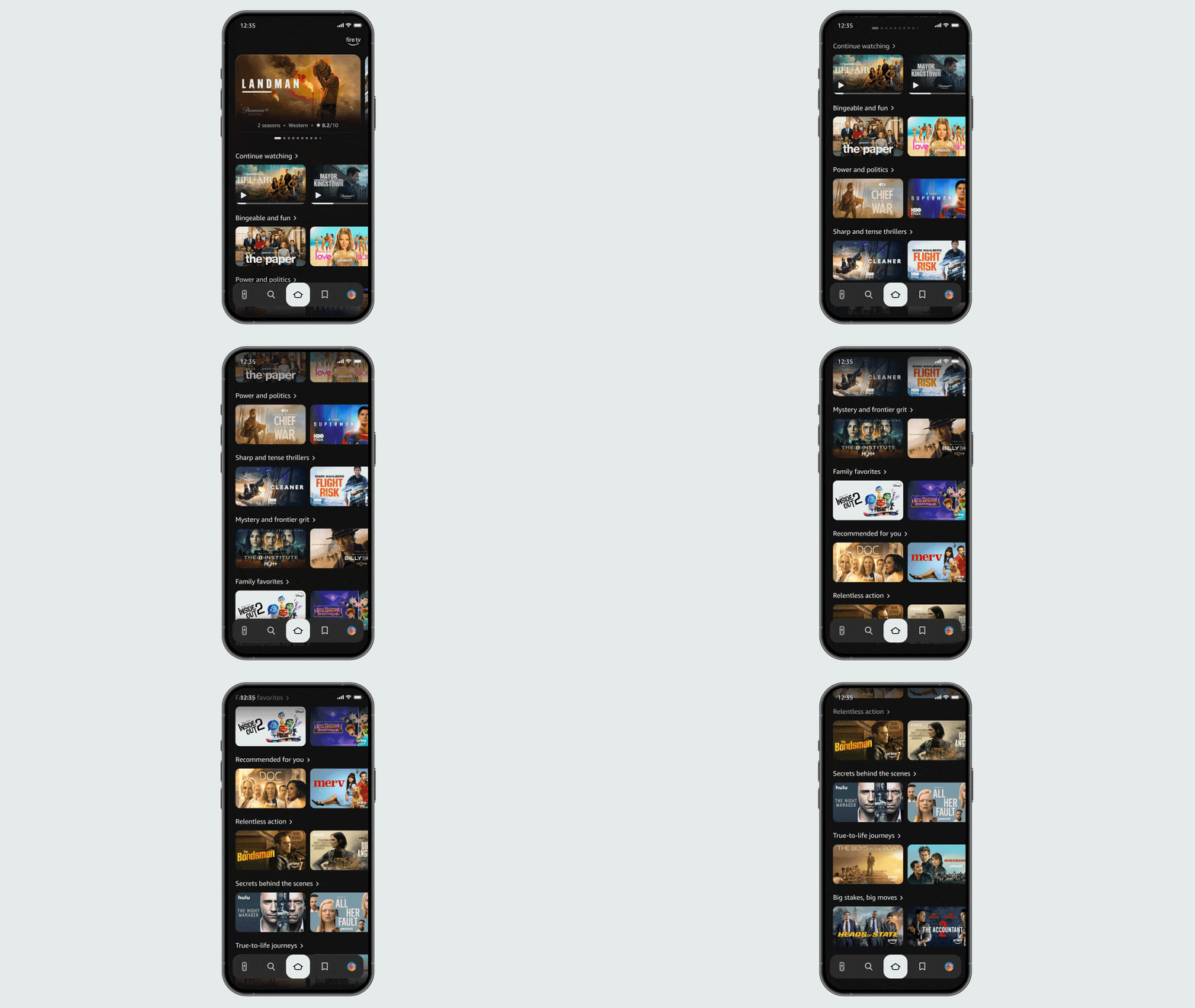
The redesigned app also matches the upcoming software update to the Fire TV itself – featuring a simple display design for easier navigation.
|
AMAZON PRESS OFFICE
“Now you can use your phone as a second screen to discover what to watch next or add a friend’s show recommendation to your watchlist when you’re away from home,” the statement adds.
The redesigned app matches an upcoming software update to Fire TV hardware, featuring a simple display design for easier navigation. According to the software teams at Amazon, rebuilding underlying code from scratch achieved faster speeds of up to 20-30% when navigating around the same Fire TV Stick hardware that’s been plugged into the HDMI port on your telly for years.
In terms of design, your FireOS devices and companion app will both look more modern, with rounded corners, fresh colour gradients, and better spacing throughout. You can also now pin up to 20 apps to your home screen, a big jump from the previous limit of just six.
There’s even a handy new shortcut panel – just hold down the Home button on your remote to access your most-used controls. This includes audio and display settings, your Amazon-owned Ring cameras, and smart home device management.
Upgrade your TV set-up to the Amazon Fire TV Stick 4K Select
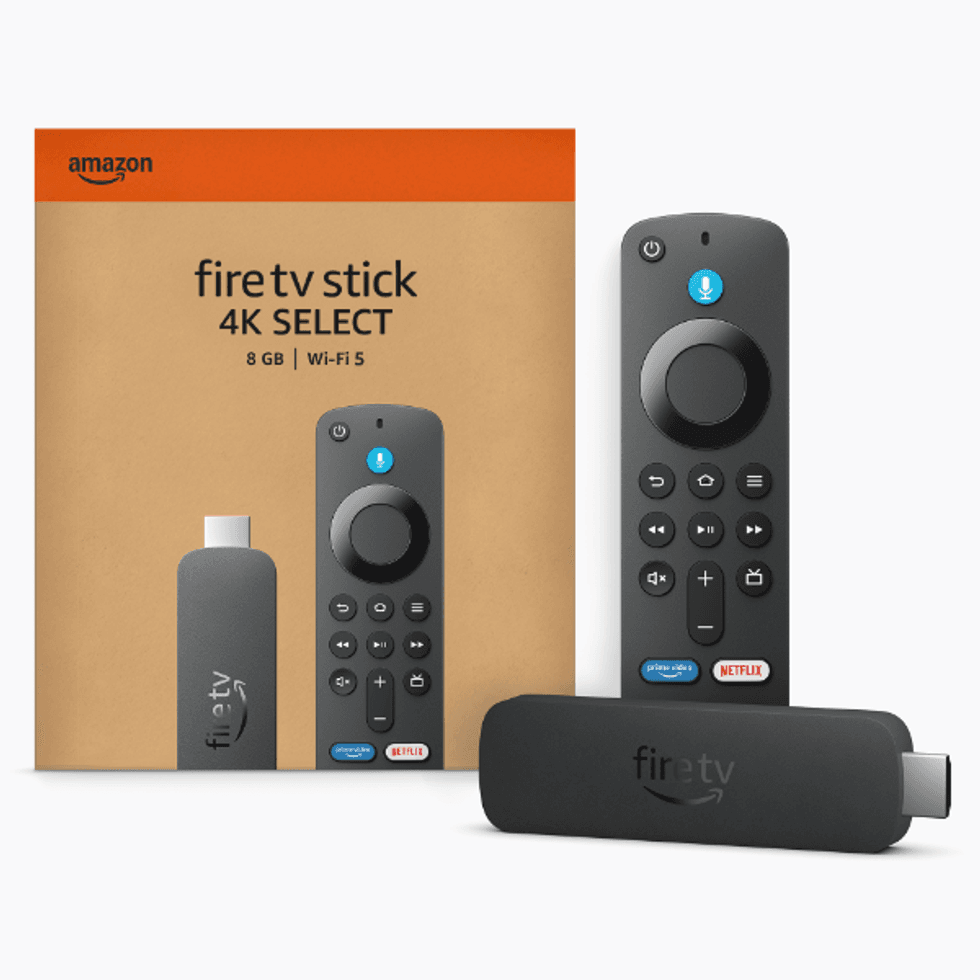
The Fire TV Stick 4K Select comes with several features that were previously reserved for pricier models, like the ability to play console-quality games like Call of Duty, Fortnite, Indiana Jones and the Great Circle, and Gears of War via Xbox Game Pass. The new Vega OS promises speedier performance when streaming boxsets, live sports, and blockbusters. You can also ask Alexa to read out player stats, trivia about the show, or identify songs playing in the background of a scene.
Fire TV Stick 4K Select
Upgrade your TV set-up to the new Fire TV Omni QLED Series (2025)
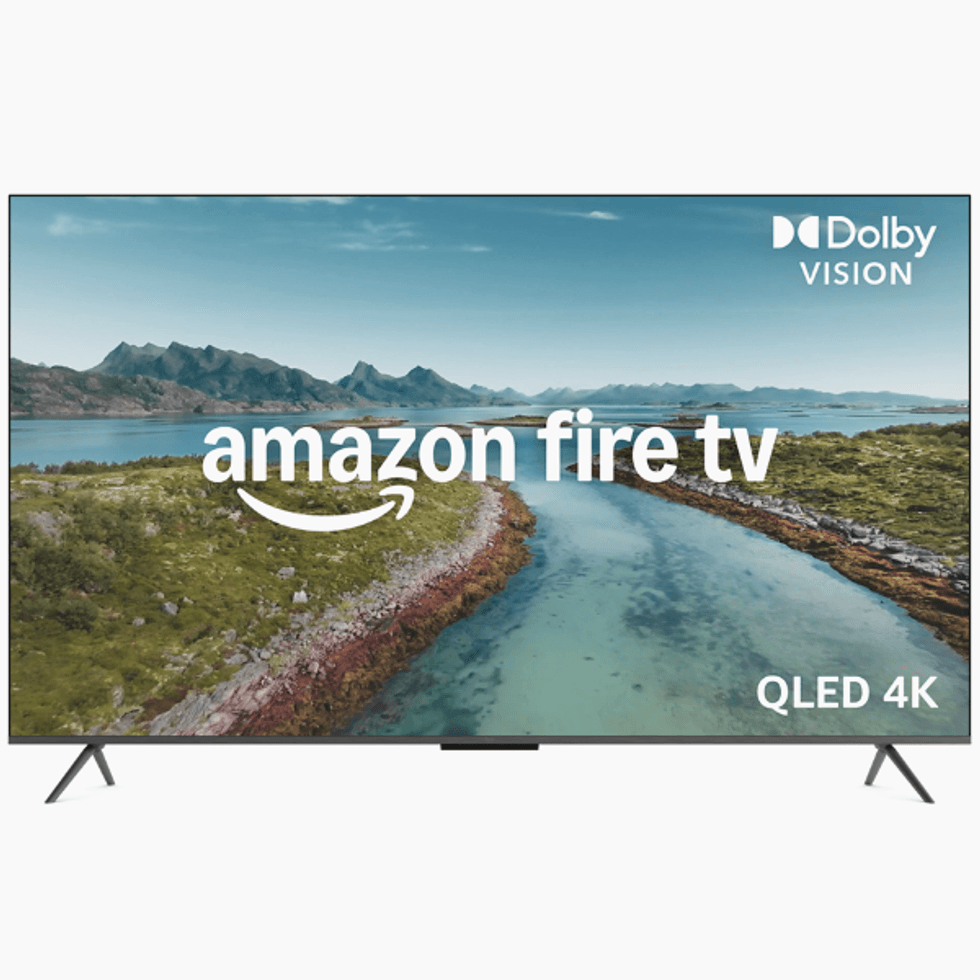
Amazon says that “scenes leap off the screen and look beautiful in any light with Dolby Vision and HDR10+ Adaptive,” with its new Fire TV Omni QLED Series. Those improvements to picture quality can be attributed to the full-array local dimming, which creates deeper blacks and brighter whites for incredible contrast. There’s a new quad-core processor to bolster performance and Wi-Fi 6 for smoother streaming. Like every model in the new lineup, it’s equipped with Omnisense, which relies on built-in sensors wake the display when you enter to show your favourite artwork or let you start watching in a jiffy
Amazon Fire TV Omni QLED Series
Alexa+ is also set to be woven throughout the entire Fire TV experience, and it’s brilliant for finding something to watch.
Alexa is Amazon’s Artificial Intelligence (AI) model, similar to Google Gemini, that has been enabled across several of its devices — including Echo Speakers, Fire TV Sticks, Fire TVs, and Fire Tablets. Alexa+ is Amazon’s next-generation version of the AI tool, designed to bring you a more personalised and conversational experience across its devices. For Kindle Scribe specifically, it enables voice-activated organisation of notes, summarises documents, and can answer questions about your written content.
The new update will allow you to simply ask AI assistant what mood you’re in, who you’re watching with, or mention actors and directors you love – and it’ll suggest something based on your preferences.
You can also ask Alexa to add whatever’s on screen to your watchlist, or even jump straight to an iconic scene in a film. For instance, if you want to dim the lights without leaving the chair, you can just ask.
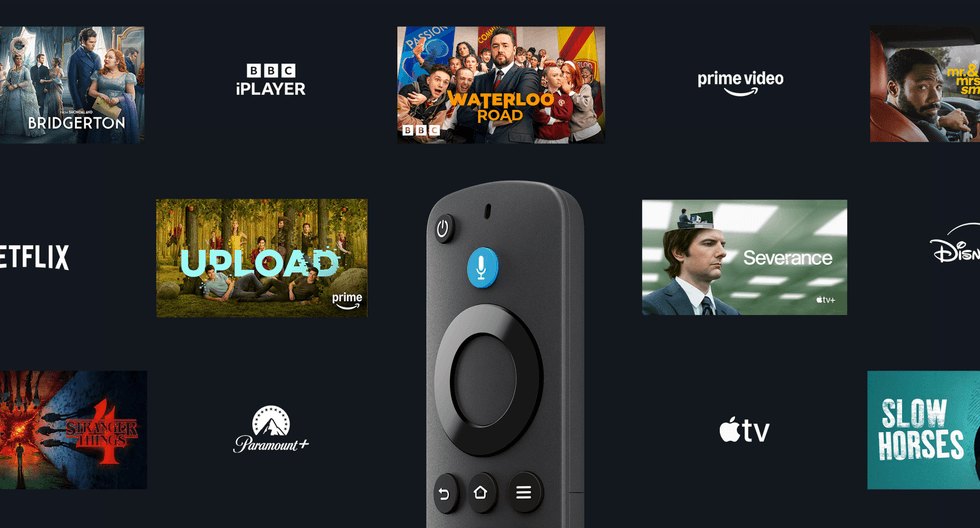
The first Amazon Fire TV Stick was released in 2014, and has since released a slew of new versions of the popular device
|
AMAZON PRESS OFFICEOne thing to keep in mind, though – Alexa+ is another major feature currently only up and running in the US and Canada. If you’re in the UK, you’ll have to sit tight while Amazon plans to expand its availability to other areas.
Amazon’s mobile app update is rolling out to all UK users over the coming weeks. However, you’ll need to sit tight for a bit longer on the Fire TV refresh as it’s not expected to hit your screens until later in the year.